
Download Total Network Inventory – Network Scanner, Device Management, Real-Time Monitoring
Overview
Total Network Inventory is a specialized mobile application designed to assist network administrators in efficiently managing and monitoring local network environments. Its primary function is to scan connected devices across a network, collecting real-time data on hardware specifications, installed software, system status, and security patch levels. By automating what would otherwise be a time-consuming manual process, the app reduces administrative overhead and improves network visibility. It is particularly suited for IT professionals, system administrators, and technical teams responsible for maintaining network integrity and performance.
The application enables users to gain comprehensive insights into their network infrastructure without requiring physical access to individual devices. This is especially valuable in distributed or enterprise-level setups where multiple systems must be monitored simultaneously. Real-world use cases include identifying outdated software, detecting unauthorized devices, tracking hardware inventory, and ensuring compliance with security policies. The app supports centralized data storage, allowing administrators to group systems, add metadata, and maintain a structured overview of their digital environment.
Although the developer did not provide additional technical details about their background or prior products, the app’s focus on network diagnostics and management positions it as a valuable tool within the IT operations ecosystem. Its ability to deliver actionable insights in a user-friendly format enhances productivity and supports proactive maintenance. The release date of September 25, 2024, indicates it is a recently updated solution, likely incorporating current network standards and security considerations.
Key Features & Functionality
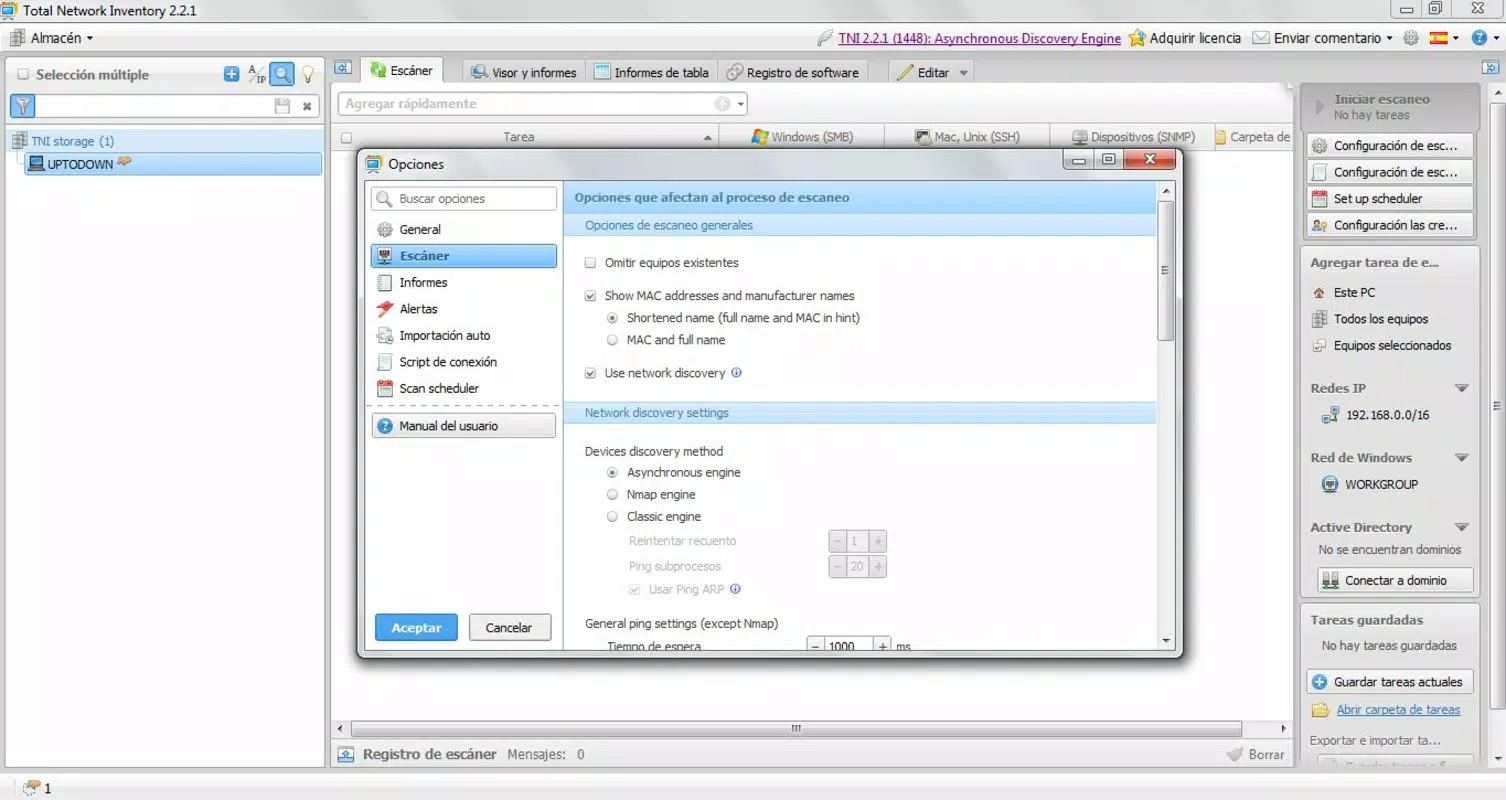
- In-depth Network Scanning: The app performs comprehensive scans across local networks and IP ranges, identifying connected devices and retrieving detailed information about installed hardware components, running processes, and applied security patches. This allows administrators to maintain an accurate and up-to-date inventory of their network assets.
- Centralized Computer Management: All collected data is stored in a unified database, enabling users to organize systems into groups, assign custom labels, and add notes or metadata. This feature streamlines network oversight and supports efficient troubleshooting and audit preparation.
- Comprehensive Reporting: After scanning, the app generates detailed reports that can be exported, copied, or printed. These reports cover various aspects such as software licenses, hardware configurations, and system status, making them ideal for documentation, compliance audits, or internal reporting.
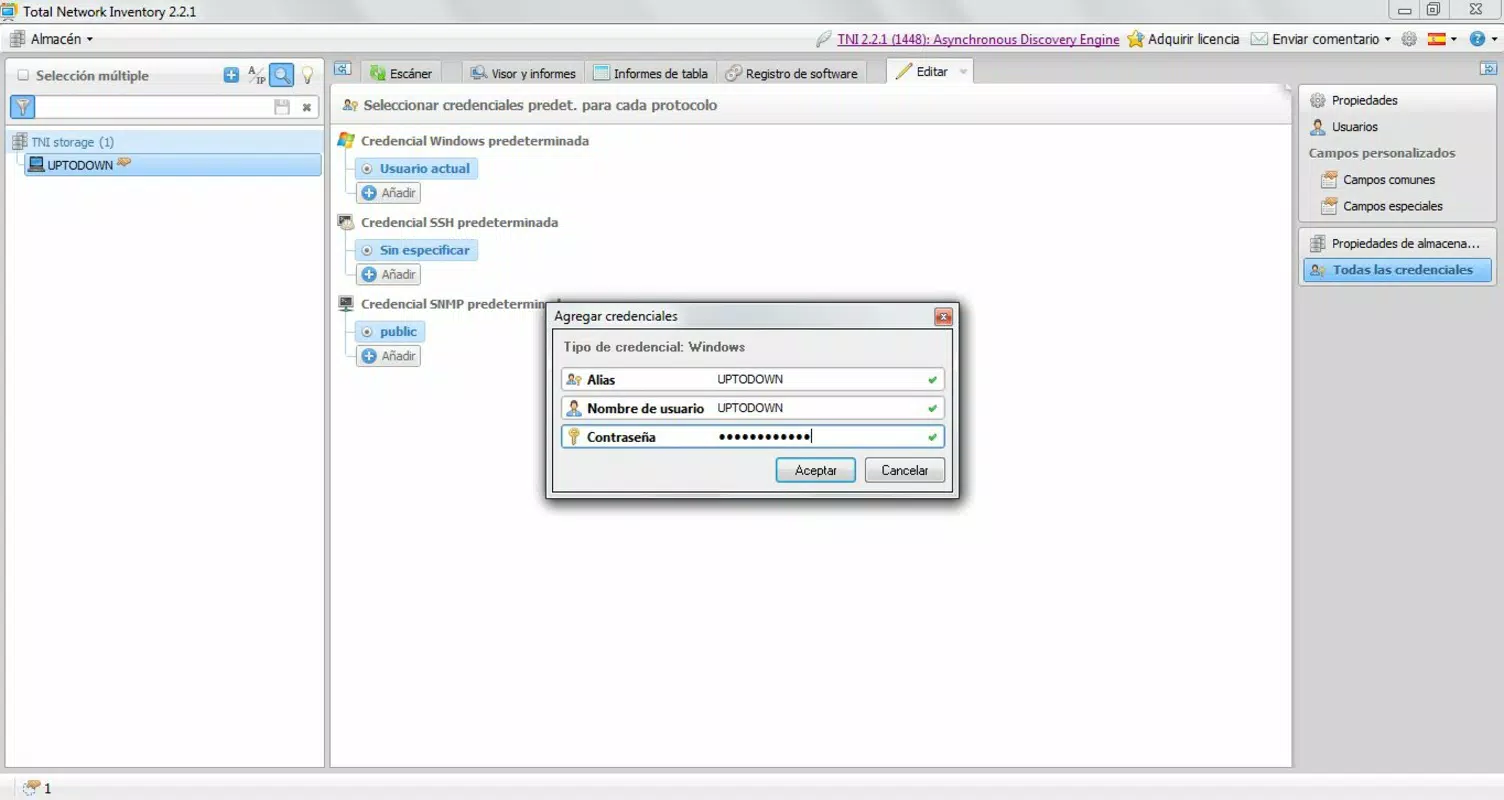
- User Database Creation: Administrators can create a secure internal database to store user credentials and related information. This centralized storage helps manage access rights and sensitive data while maintaining organizational control over user accounts.
- Real-time Status Monitoring: The app continuously tracks the online status of networked machines. Any change in connectivity—such as a device going offline or coming back online—is immediately reflected, allowing for rapid response to potential outages or security threats.
For example, a network administrator at a mid-sized company could use Total Network Inventory to detect a workstation running outdated antivirus software during a routine scan. The app’s reporting function would allow them to generate a compliance report for management, while the real-time monitoring feature ensures any subsequent device disconnection is flagged instantly.
Interface, UX & Performance
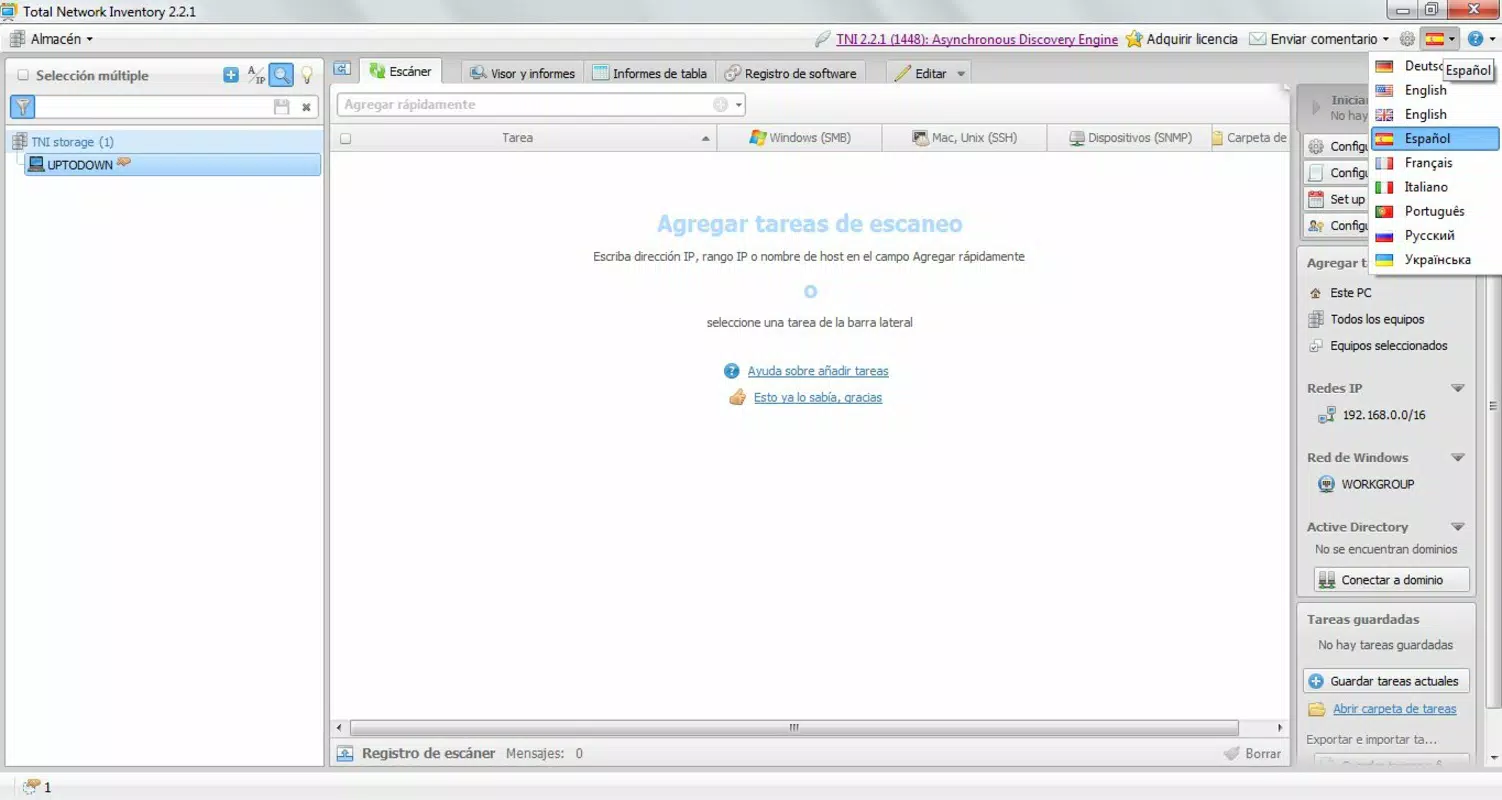
The user interface of Total Network Inventory is designed with functionality and clarity in mind, prioritizing ease of navigation for technical users. The layout organizes core features into clearly labeled sections, allowing administrators to initiate scans, view results, manage databases, and generate reports without unnecessary complexity. Visual cues such as status indicators and color-coded alerts help users quickly identify critical issues across the network.
Navigational flow is straightforward, with logical progression from scanning to data analysis and reporting. The app supports intuitive interaction patterns, such as tapping on a device entry to view detailed information or selecting multiple systems for bulk actions. Although the developer did not list formal performance metrics, the app appears optimized for responsive operation on modern mobile devices, ensuring smooth transitions between screens and quick data retrieval.
Stability is expected to be high, given the app’s focus on real-time monitoring and data accuracy. While specific compatibility details were not disclosed, the app is likely built to handle varying network conditions and maintain consistent performance across different device categories, including tablets and smartphones. Users can expect reliable operation during extended scanning sessions and efficient handling of large-scale network data.
Platform Compatibility & Technical Requirements
Total Network Inventory is available for Android and iOS platforms, supporting both major mobile operating systems. The app requires a compatible smartphone or tablet with sufficient processing power and memory to handle network scanning tasks and data processing. The file size is reported as 15.7 MB, indicating a lightweight installation that should not significantly impact device storage.
Although the developer did not specify minimum OS requirements or exact version compatibility, the app is designed to run on current and recent versions of Android and iOS. Users should ensure their device meets the standard system requirements for mobile app execution. The software version is 2024.9.25, aligning with the release date and suggesting a recent update with potential improvements in performance, stability, or feature support.
Pros and Cons
Pros
- Automates network device discovery and data collection
- Provides real-time monitoring of system status
- Supports centralized data storage and organization
- Generates exportable, printable reports for compliance
- Includes secure user database for credential management
Cons
- Specific OS version requirements were not listed
- Developer background and company details were not disclosed
- Performance under low-bandwidth or unstable network conditions was not specified
- Advanced customization options were not detailed
- Offline functionality was not confirmed
FAQ
Is Total Network Inventory available for both Android and iOS?
Yes, the app is designed for both Android and iOS platforms, making it accessible to users across major mobile operating systems.
Can I use Total Network Inventory without an internet connection?
The app may support limited offline functionality, such as viewing stored data or managing local databases. However, network scanning and real-time monitoring require an active connection to the local network.
Is the app secure for storing user credentials?
While the app includes a feature to create a user database, the specific security measures used for data encryption or access control were not disclosed by the developer.
How often can I update the network scan results?
The app enables real-time monitoring, meaning scan results are updated as changes occur on the network. The frequency depends on network activity and app settings.
Do I need special permissions to run Total Network Inventory?
As the app performs network scanning and access to device information, it likely requires standard permissions such as network access and storage. Specific permission details were not provided in the release notes.
Final Thoughts + CTA
Total Network Inventory stands out as a focused, efficient tool for IT professionals managing complex network environments. Its ability to automate device discovery, centralize data, and deliver real-time insights makes it a practical addition to any network administrator’s toolkit. The inclusion of reporting features and secure credential storage enhances its utility beyond basic monitoring, supporting compliance, auditing, and operational efficiency.
While some technical details remain undisclosed, the app’s clear purpose, intuitive interface, and alignment with current network management needs suggest strong value for its target audience. Whether used in small offices or large enterprises, Total Network Inventory streamlines administrative tasks and improves response times to network issues.
For IT teams seeking a reliable mobile solution to monitor and manage their network infrastructure, this app offers a compelling combination of functionality and ease of use. Download Total Network Inventory now to elevate your network oversight and ensure seamless system performance.


